Every background removal tool asks you to upload your photos to their servers.
I built one that doesn’t.
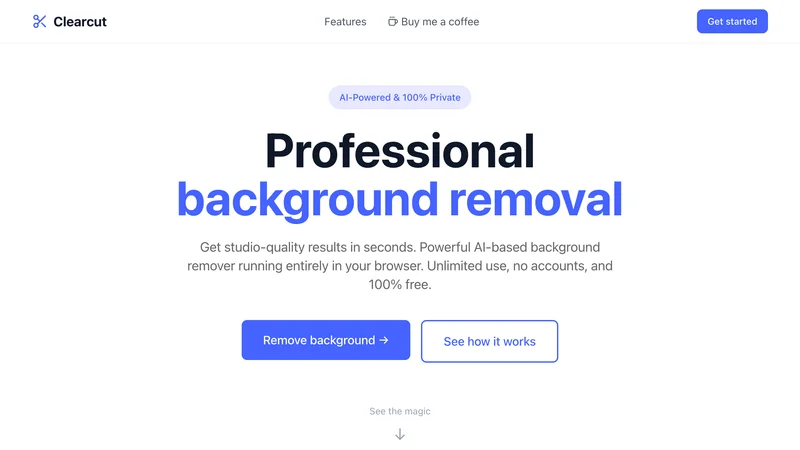
ClearCut removes backgrounds with AI that runs entirely in your browser. Zero uploads, and the code is open so you don’t have to trust me — you can verify.
The problem: “upload your photo” should bother you more
You want to remove a background. Simple task. So you Google a tool, upload your image, done.
Look at what actually happened. Your photo now lives on someone else’s server. Your vacation pics. Your client’s product shots. Your kid’s birthday party. Stored somewhere you don’t control.
Most people click “upload” and move on. They never feel the hesitation.
That hesitation is the product. The tiny voice asking “do I really want my photos on their servers?” — that’s the problem worth solving, and every mainstream tool ignores it.
The bet that made it hard
The whole thing rested on one gamble: browser-based ML being good enough.
The conventional wisdom is that quality AI inference needs server-side GPUs. Heavy models, heavy hardware, browsers can’t cope.
I thought that was outdated. WebGPU and modern runtimes have been quietly closing the gap. If the bet was wrong, there was no product — a private background remover that produces mushy edges is worthless. Every decision below had to protect both privacy and quality.
Key decisions
Transformers.js for in-browser inference
It was the only path to true privacy while keeping quality high. Running Hugging Face models directly in the browser means the image never has to be uploaded to get a professional-grade cut. The trade-off: a one-time model download the user pays for upfront, instead of a server amortizing it. I accepted that to keep the zero-upload promise absolute.
- A server-side GPU inference API
- A lighter on-device model with worse edges
RMBG-1.4 as the segmentation model
I tested several. RMBG-1.4 won on the balance that matters in a browser: ~45MB download for quality that handles hair, transparent objects, and tricky edges better than the alternatives. A bigger model would cut better and download slower; a smaller one downloads fast and fails on hair. This was the point where both stayed acceptable.
- A larger, higher-accuracy model
- A smaller, faster-loading model
WebGPU for speed, WASM as a universal fallback
WebGPU adoption is inconsistent across browsers, so betting on it alone would break the tool for some users. WebGPU handles inference when available (~2-3s); WASM runs everywhere as the floor (~5-8s). Designing for graceful degradation cost extra paths but meant the tool works for everyone, not just Chrome-on-a-good-GPU.
- WebGPU only
- WASM only
Zustand for editing state and undo/redo
Image editing needs a history stack — users will mis-cut an edge and want it back. Zustand made a 20-step undo/redo trivial without Redux boilerplate. For a tool this focused, the lighter state library was the right altitude.
- Redux
- Plain React state with manual history
What shipped
Drop a photo in. Transformers.js loads RMBG-1.4 and caches it in IndexedDB — the first visit downloads ~45MB, every visit after loads from cache in seconds.
The image is converted to a blob, run through segmentation, and composited: the mask is combined with the original using canvas destination-in blending, then layered over whatever background you pick — transparent, solid color, or a custom image.

AI isn’t perfect, so you can paint directly on the mask to fix edges it misses. No account, no watermark, no usage limit.
Impact: privacy you can audit, not just trust
The work is the proof. Zero bytes leave the browser, free with no limits, ~2-3s on WebGPU and ~5-8s on the WASM fallback.
I released it under the MIT license, because a privacy claim means nothing without transparency. Anyone can read the code and confirm the images never leave the browser — the repo doubles as a usable tool and a reference implementation for privacy-first browser ML.
If I wanted a real adoption signal later, the honest one is repeat use and forks of the reference implementation — not a server-side counter this tool is built to avoid.
What I’d do differently
Client-side ML is more production-ready than developers assume. The gap with server-side has narrowed sharply. For a lot of use cases, the server is now optional — I’d reach for the browser sooner.
WebGPU adoption is a trap if you don’t plan for it. It’s fast where it exists and absent where it doesn’t. WASM-everywhere fallbacks aren’t a nice-to-have; they’re the floor that makes the tool real.
The initial download is the UX hurdle, and it’s worth real effort. ~45MB feels heavy. Progress UI and IndexedDB caching turn a one-time cost into an instant-on experience after the first load.
Your photos can stay yours without giving up quality. That’s the whole point — and now you can prove it for yourself.
Remove a background now →